Mastering the macOS Responder Chain for Event Handling
The macOS Responder Chain is a fundamental mechanism for event handling, from keyboard input to menu actions. Understanding its hierarchy and how events traverse it is crucial for building robust and responsive macOS applications. This article delves deep into the Responder Chain, providing practical examples to help you master event processing.
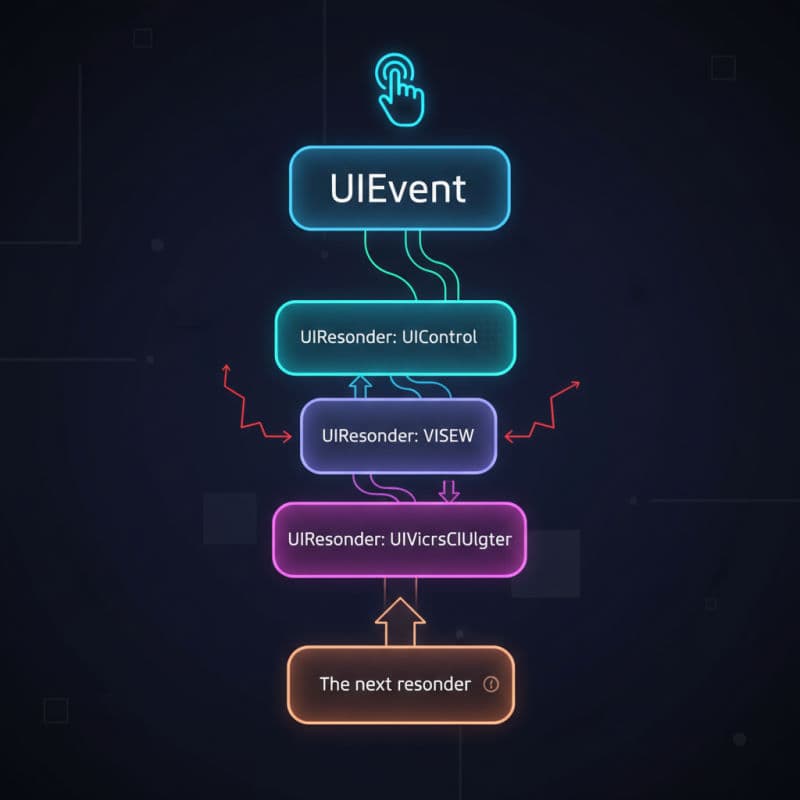
What is the macOS Responder Chain?
The macOS Responder Chain is a series of NSResponder objects linked together, forming a pathway that events can traverse. When a user interacts with your macOS application – whether it's typing on a keyboard, clicking a mouse, or selecting a menu item – the event is first delivered to the most appropriate responder object. If that object doesn't handle the event, it passes it 'up' the chain to the next responder, and so on, until an object handles the event or it reaches the top of the chain (typically the NSApplication object).
This hierarchical structure allows for a flexible and powerful way to manage user input and commands. It promotes code reusability and helps segment the responsibility of event handling among different parts of your application's UI hierarchy. Think of it as a funnel where specific objects get the first chance to handle events, and more general objects get a chance if the event isn't handled by a specific one. This design pattern is central to how macOS applications respond to user interaction.
Key objects in the Responder Chain on macOS include:
NSView: The fundamental building block for UI, often the first responder for events within its bounds.NSViewController: Manages a view hierarchy and can also be a responder.NSWindow: Contains the view hierarchy and passes unhandled events up.NSApplication: The top-level object, the last resort for many events.
Understanding this flow is essential for predicting how your application will react to user input and for designing effective event handling strategies.
How Events Traverse the Responder Chain
When an event occurs, macOS determines the 'first responder' – the object most likely to be interested in handling that event. For keyboard events, this is typically the currently focused text field or control. For mouse clicks, it's usually the view directly under the cursor.
From the first responder, the event attempts to make its way up the chain. The sequence generally follows this path:
- First Responder: The
NSView(or subclass) that initially receives the event. - Superview Chain: If the
NSViewdoesn't handle it, it passes it to itssuperview. - Window: If no view in the hierarchy handles it, the event reaches the
NSWindow. - Window Controller: If present, the
NSWindowControlleris next. - Application Delegate: The
NSApplicationobject typically passes it to itsdelegate. - Application: Finally, the
NSApplicationitself has a chance to handle the event.
To explicitly pass an event up the chain, a responder object must implement the desired event handling method (e.g., mouseDown(with:), keyDown(with:), performKeyEquivalent(with:)) and, if it doesn't fully handle the event or wants to allow others to participate, it calls super's implementation of that method or explicitly sends the event to its next responder. The NSResponder class provides a next property that points to the next object in the chain.
Let's look at a simple example of how a custom NSView can participate in the responder chain to handle a key press. This example is compatible with macOS 10.10+.
Explicitly Managing the First Responder
While the system often determines the first responder automatically (e.g., when a user clicks a text field), you can programmatically control which object is the first responder within a window. This is particularly useful for setting initial focus or redirecting keyboard input. The NSWindow object has methods like makeFirstResponder(_:) that allow you to assign the first responder.
Changing the first responder also generates notifications (NSWindowDidResignFirstResponderNotification, NSWindowDidBecomeFirstResponderNotification) and calls methods on the affected responders (becomeFirstResponder() and resignFirstResponder()). You can override these methods in your custom NSResponder subclasses to perform setup or teardown logic, or even prevent the change by returning false from becomeFirstResponder().
Consider a scenario where you have multiple text fields and you want to programmatically set focus to a specific one when a button is clicked. This is a common requirement in forms or data entry screens. This is compatible with macOS 10.10+.
Customizing and Extending the Responder Chain
While the default Responder Chain handles many cases, you might occasionally need to customize its behavior. You can do this by overriding the next property in your NSResponder subclasses or by implementing specific action methods.
For example, you could insert an intermediary object into the chain. This is less common but can be powerful for complex event routing. A more frequent customization involves implementing action methods (methods with a single sender argument, often IBAction in Interface Builder) on various responders. When an action occurs (e.g., a menu item is clicked, a button is pressed), a target-action message is sent. If no specific target is set and the action name matches a method on a responder in the chain, that responder will receive the message.
This 'action message' dispatch mechanism is a key part of the Responder Chain's power. It allows you to define a single action method (e.g., saveDocument(_:)) and have it handled by the most appropriate responder at the time, typically the current document or editor. The validateMenuItem(_:) method, for instance, allows responders in the chain to enable/disable menu items dynamically, based on the current context.
Let's enhance our CustomResponderView to handle a menu action. This is compatible with macOS 10.10+.
Debugging Responder Chain Issues
Debugging Responder Chain issues can sometimes be tricky, but macOS provides helpful tools and techniques. The most common issues arise when an event isn't handled as expected, or when the wrong object becomes or fails to become the first responder.
Here are some tips for debugging:
- Override
nextand logging: Temporarily override thenextproperty in yourNSRespondersubclasses to print the next responder in the chain. This helps visualize its path. debugPrint()onNSWindow: In the console, you can useprint(NSApp.windows.first!.debugDescription)to get a detailed dump of the window's view hierarchy and its first responder status.-[NSResponder nextResponder]: Add breakpoints to thenextgetter inNSResponder(Swiftnextproperty) to step through its evaluation.becomeFirstResponder()andresignFirstResponder(): Override these methods and add print statements to track when objects gain or lose first responder status.po NSApp.keyWindow?.firstResponder: In LLDB, use this command to quickly see which object is currently the key window's first responder.- Log the event type and details (, , ) within your event handling methods to ensure you're intercepting the correct events.
By systematically inspecting the first responder and tracing the event's journey through the next property, you can pinpoint where an event is being swallowed or misdirected. Remember that super calls are crucial for passing events up the chain; omitting them will stop the event from propagating further.
Common Interview Questions
What is the primary role of `NSResponder` in macOS?
`NSResponder` is the abstract base class for objects that can respond to events and action messages in a macOS application. It defines the core interface for participating in the Responder Chain, allowing objects like `NSView`, `NSWindow`, and `NSApplication` to receive and handle user input and commands.
How do I make a custom `NSView` the first responder?
To make a custom `NSView` the first responder, you must first ensure its `acceptsFirstResponder` property returns `true`. Then, you can programmatically make it the first responder by calling `self.window?.makeFirstResponder(self)` when the view is clicked or at an appropriate time, such as in `viewDidAppear` within its `NSViewController`.
What happens if an event reaches the end of the Responder Chain?
If an event, like a key press or a menu action, reaches the top of the Responder Chain (typically the `NSApplication` object) and no responder has handled it, the event is usually discarded. For certain types of events, like unhandled command-key equivalents, macOS might beep to indicate an unhandled input.
Can I custom-route an event to a specific object outside the default chain?
Yes, you can manually send an event to any `NSResponder` object using methods like `sendEvent(_:)` on `NSApplication` or by directly calling the event handling method (e.g., `keyDown(with:)`) on a specific responder. However, this bypasses the natural Responder Chain flow and should be used judiciously, typically when the standard chain doesn't provide the desired routing.
How does the Responder Chain relate to `Target-Action` in macOS?
The Responder Chain is intimately connected to the Target-Action mechanism. When a control (like an `NSButton`) or a menu item has its 'target' set to `nil` (meaning no specific target object is assigned), the action message (e.g., `myAction(_:)`) is sent up the Responder Chain until it finds an object that implements that action method. This allows for context-sensitive handling of actions.